Change a report's data sources
· One min read
You can now change which configurations a report reads from after it's been created, so adding another company no longer means starting over.
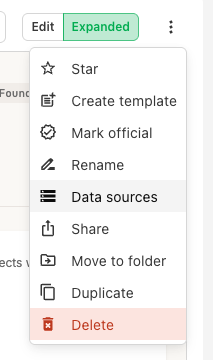
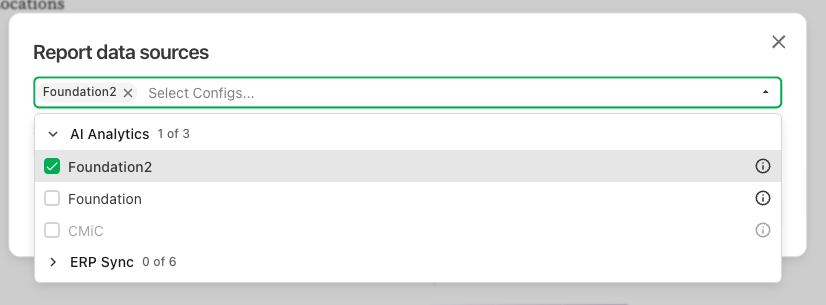
Open the ⋯ menu on a report and choose Data sources. Pick the configurations you want and press Save. Agave publishes a new version that reads from the new data sources right away, without regenerating the report. Earlier versions keep the data sources they were built with.
The new configurations must come from the same source system and product as the originals. To change the report beyond its data, send a follow-up prompt.