Your logo on every report
· One min read
Upload your company logo once, and it appears on every report your team generates.
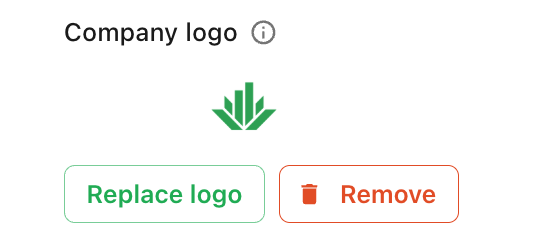
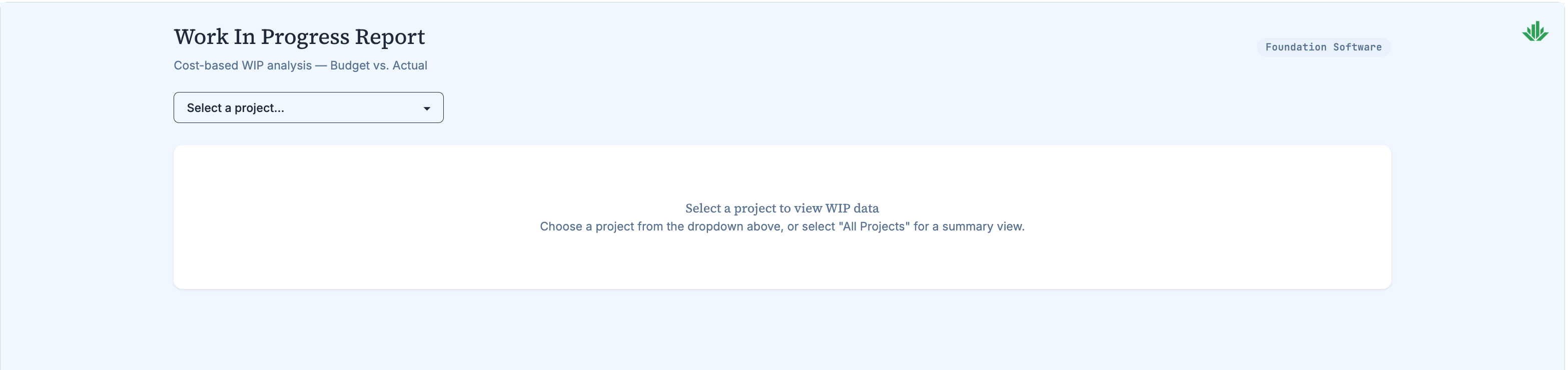
Add your logo under Settings → Customization. From then on it's pinned to the top-right corner of every report your team builds, regardless of how the report itself was designed.
This is more reliable than asking for a logo in your dashboard styling prompt. The logo is applied when the report is served rather than left to the generated markup, so it appears consistently — including on older reports built before you uploaded it.