Request access to a report
· One min read
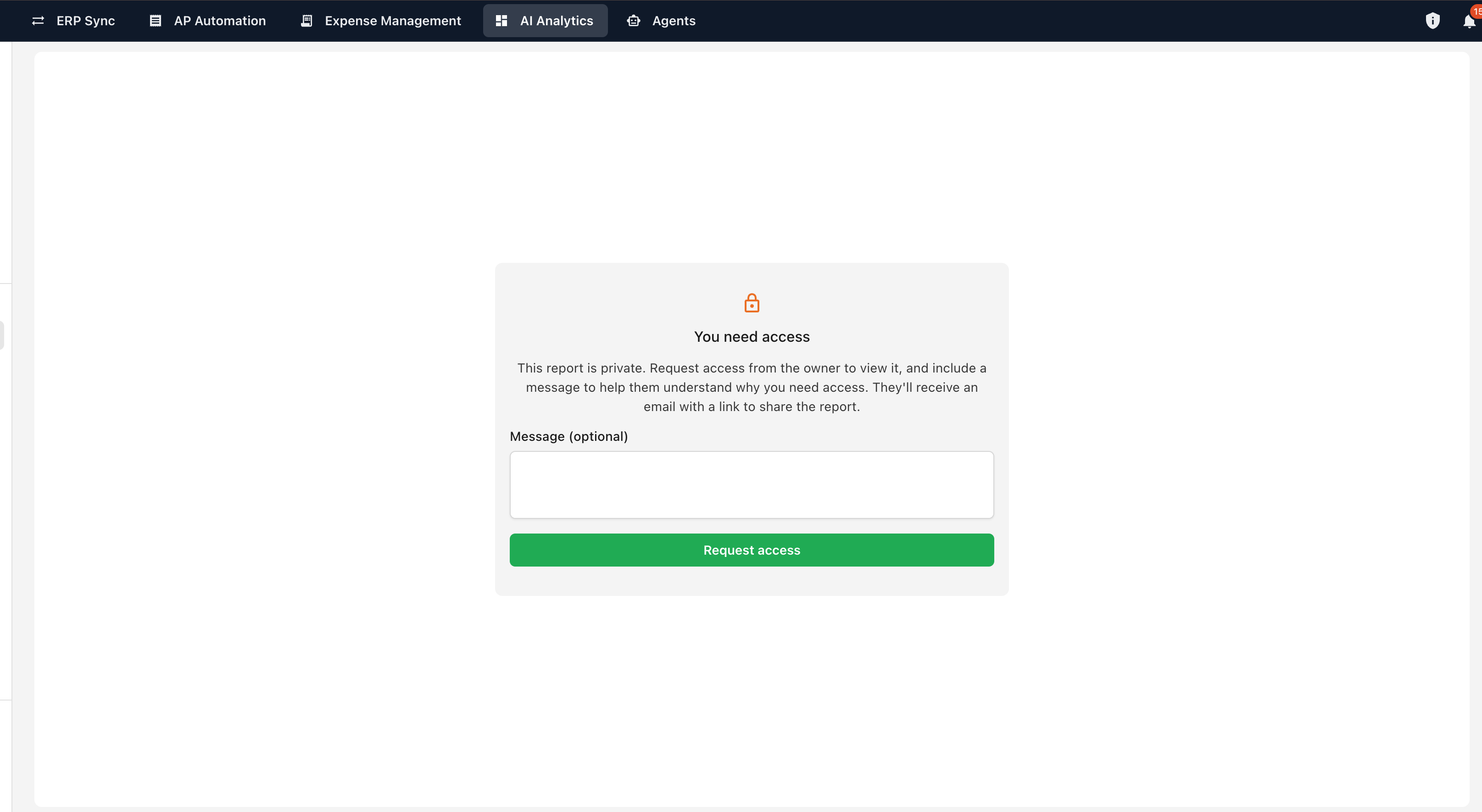
Opening a report you don't have access to now shows a proper locked page instead of an error — and lets you ask the owner for access without leaving it.
When someone sends you a report link you can't open, you'll see a locked page explaining that the report hasn't been shared with you. From there you can send an access request, with an optional note explaining what you need it for.
The report's owner receives an email containing your message and a link to the report, so they can grant access in a couple of clicks. Once you've sent a request, the page confirms it so you don't send it twice.