June 2026
· One min read
June brings file attachments, conversation memory, and team-wide customization to AI Dashboards.
File attachments
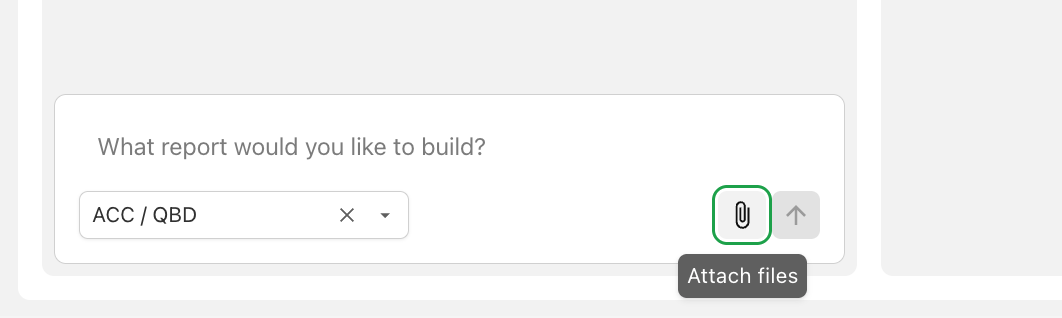
Give Agnes files as context when building reports — upload a PDF of an existing report to recreate, a spreadsheet of reference data, or a screenshot of a layout you like. Supported formats include PDF, Word, Excel, CSV, and images. Learn more →
Conversation memory
Agnes now remembers the earlier messages in a report's conversation, so follow-ups like "use the same grouping as before" work naturally.
Team customization settings
Shape how Agnes works for your whole company from Settings → Customization:
- A system prompt that teaches Agnes your terminology and business rules (job numbering conventions, status indicators, and more).
- Dashboard styling preferences so every generated report matches your brand.
New data connections
Reports can now be built on dedicated AI Data configurations, alongside existing ERP Sync configurations — with per-record-type controls over which data Agnes can use. Learn more →