July 2026
July's highlights: templates for building proven reports on your own data, multi-configuration reports that span several companies or accounts, Official badges for the reports your team trusts, and a batch of quality-of-life improvements.
Templates
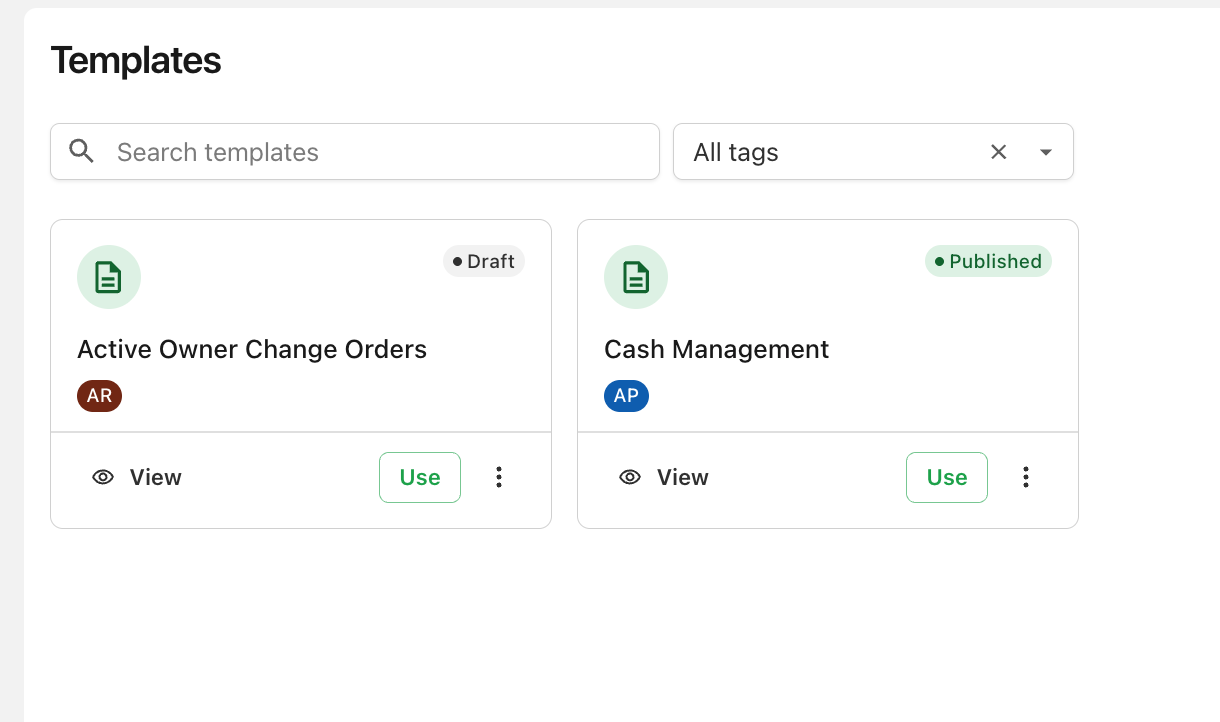
Browse a library of report starters curated by Agave, preview each one's design and prompt, and build it on your own data in two clicks. Templates are organized with tags, so you can filter to the category you need. Learn more →
Official reports
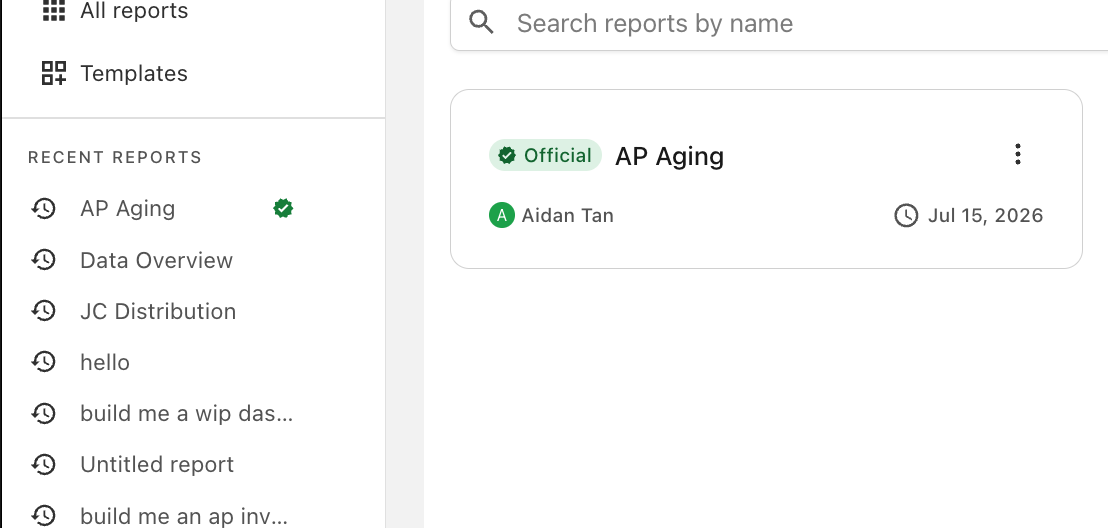
Report owners can now mark a report Official — a green badge that tells your whole team "this is the trusted version." Filter All reports to just Official reports to find them fast. Learn more →
Starter reports
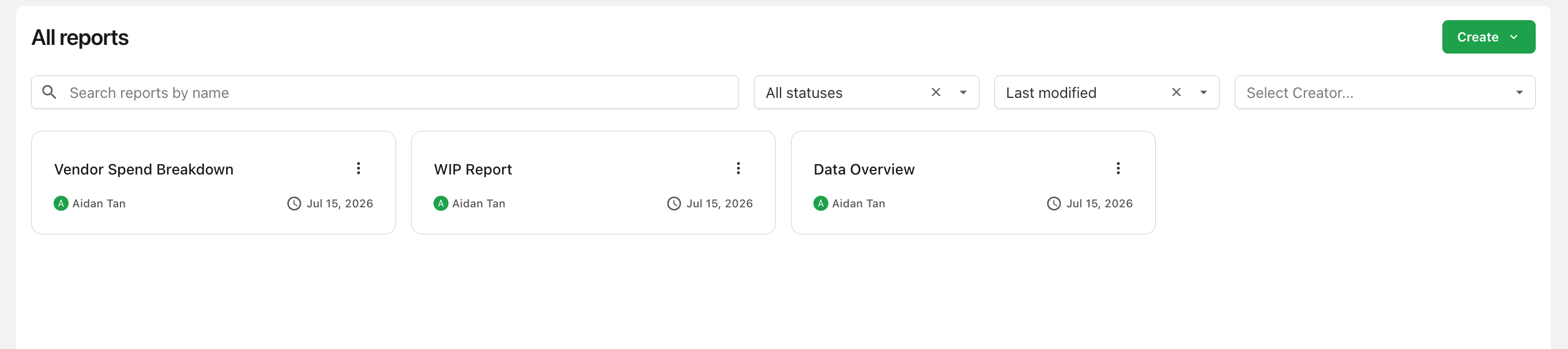
New workspaces now come with ready-made starter reports, automatically added when your first AI Data configuration is set up — working examples from day one. Learn more →
Multi-configuration reports
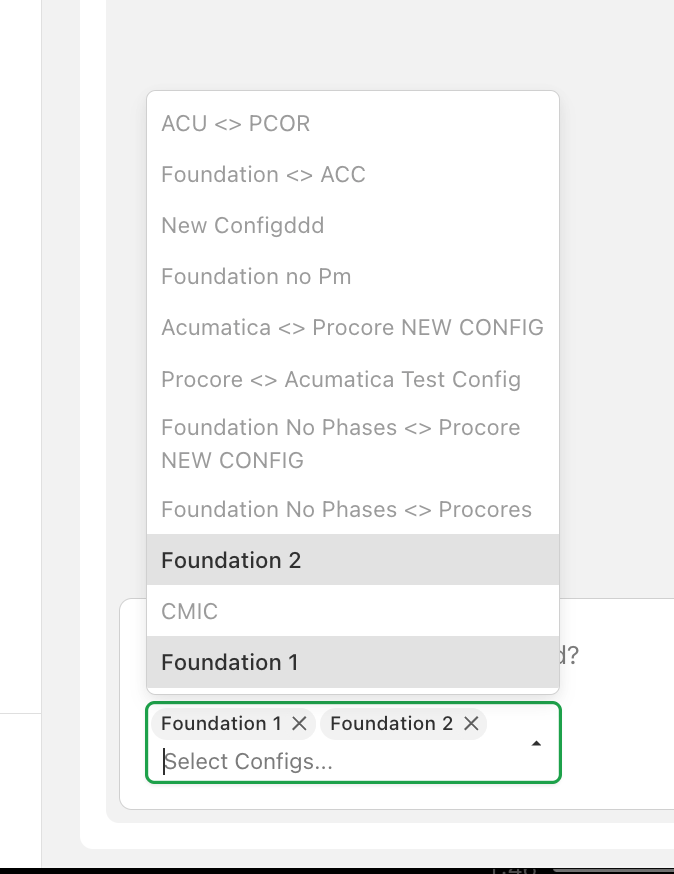
A report can now connect to more than one configuration, as long as they share the same source system and product — build a single dashboard across several companies or accounts. Learn more →
Duplicate reports
Duplicate any report you can edit — including its full version history — to build a variation without touching the original. Learn more →
Stop a running generation
Changed your mind mid-generation? A new Stop generating button cancels the in-progress version without affecting earlier ones. Learn more →
Personal customization settings
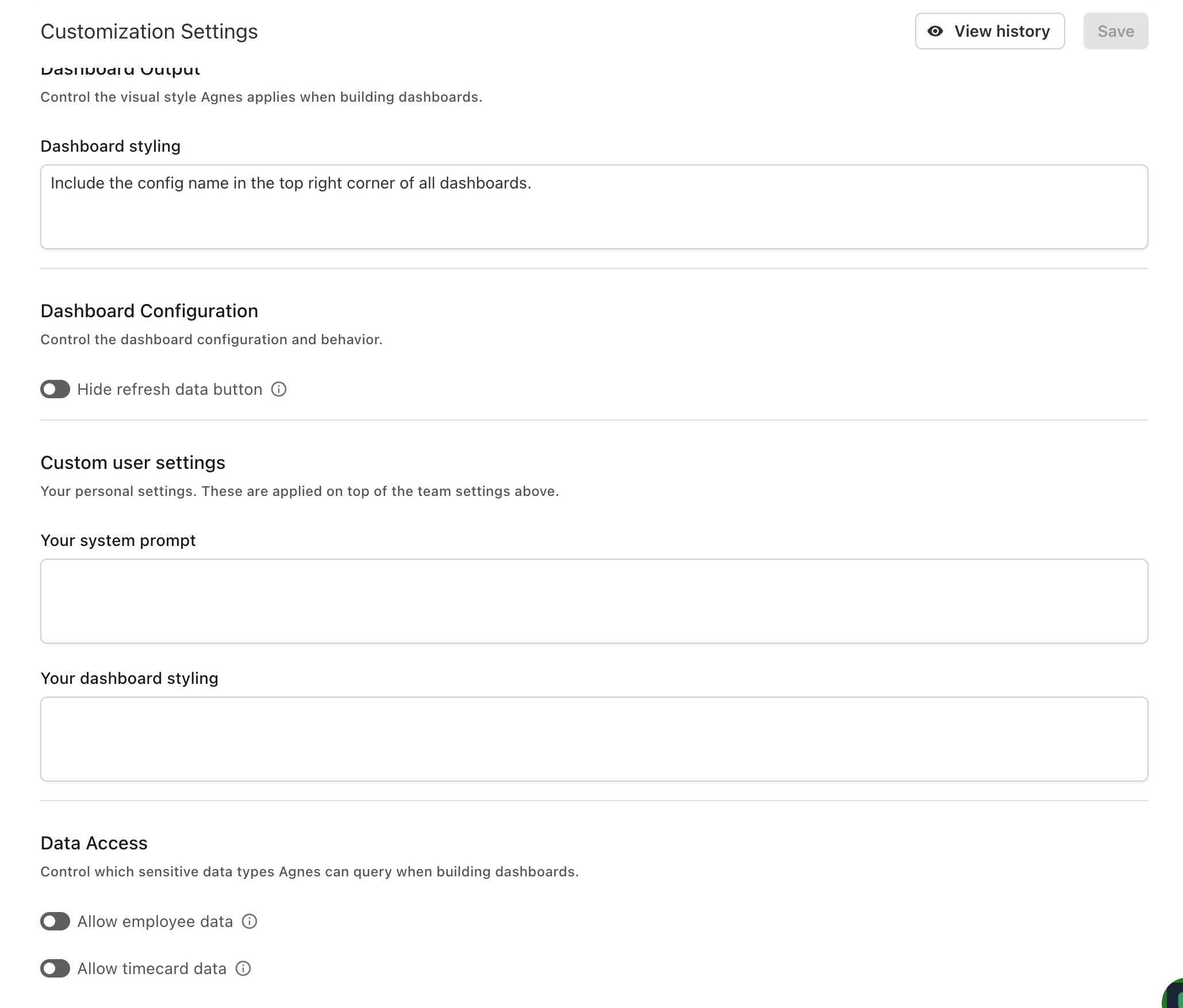
In addition to team-wide settings, you can now set your own system prompt and dashboard styling, applied on top of your company's settings for reports you generate. Learn more →