Add power user seats
· One min read
Admins can now add extra power user seats from the Users page — no need to wait on Agave.
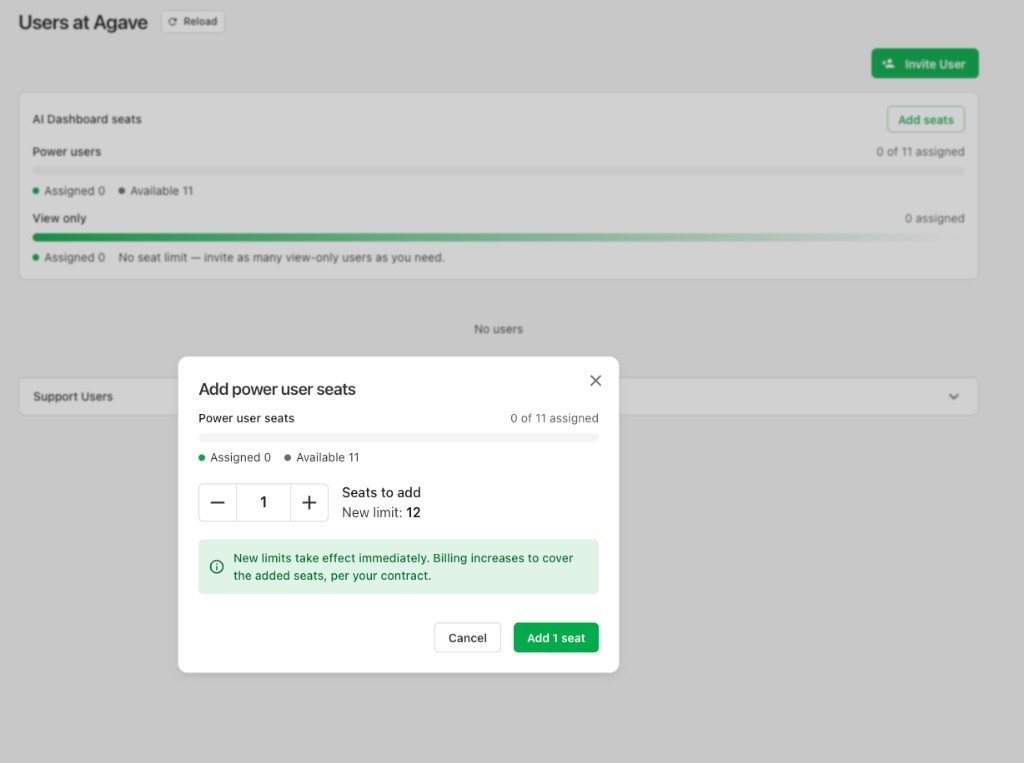
The AI Dashboard seats card now has an Add seats button. Open it to raise your power user limit; the new limit takes effect immediately, and billing updates to cover the added seats per your contract.
If inviting a teammate or assigning a role would exceed your current limit, the same dialog opens so you can add seats and finish the save in one step. View-only access stays uncapped.
To make someone a power user, create a role in Roles & Permissions that grants the Edit AI Dashboard permission, then assign that role to them.