Folder sharing
· 2 min read
Folders now have sharing settings of their own, so you can set access once for a whole body of work instead of report by report.
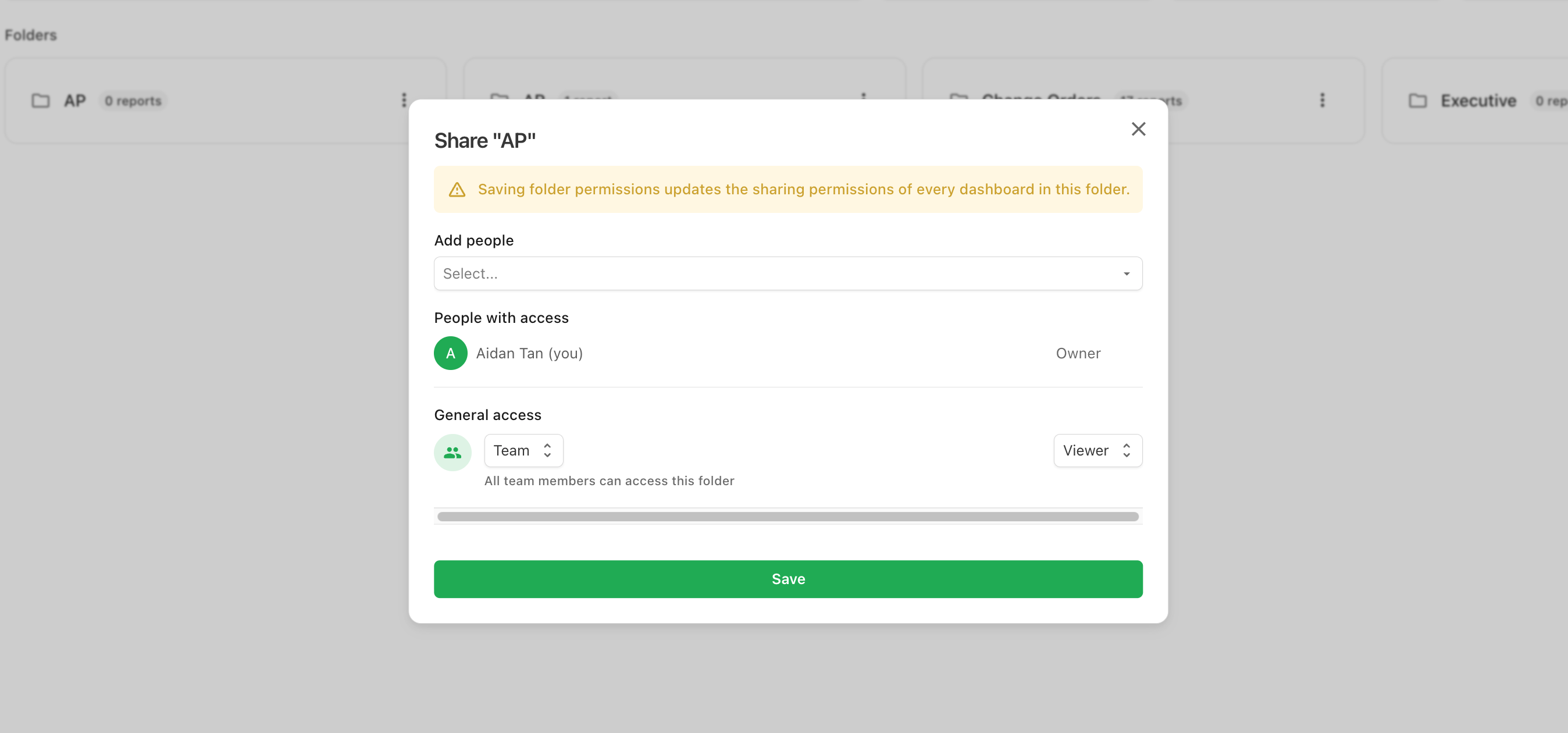
Open a folder's ⋯ menu and select Share. The dialog works just like report sharing, using the same Owner, Editor, and Viewer roles:
- Add people — grant individual teammates a role on the folder.
- General access — Team (everyone can access it, with a team-wide role) or Restricted (only the people added above).
Folder roles control the folder itself: Viewers can see and open it, Editors can rename it, add reports, and change its permissions, and the Owner can also delete it. New folders start shared with your whole team as Viewers.
Folder permissions cascade
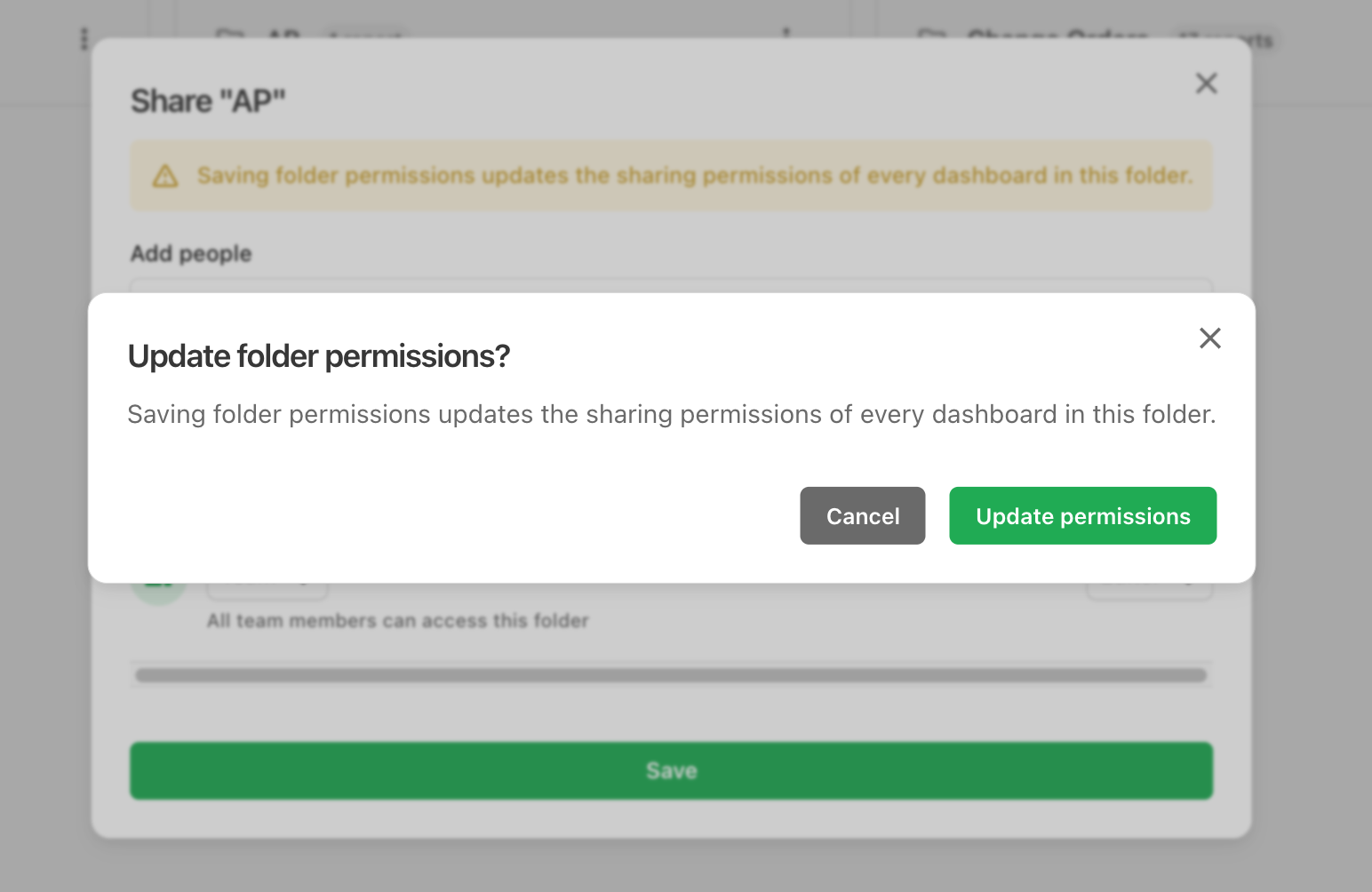
Saving a folder's permissions applies them to every report inside it — each report's general access and people list are replaced with the folder's. The dialog confirms before applying, and each report's own Owner is always preserved.