Templates
Templates are report starters curated by Agave — proven report designs you can build on your own data in a couple of clicks, instead of writing a prompt from scratch.
Browsing templates
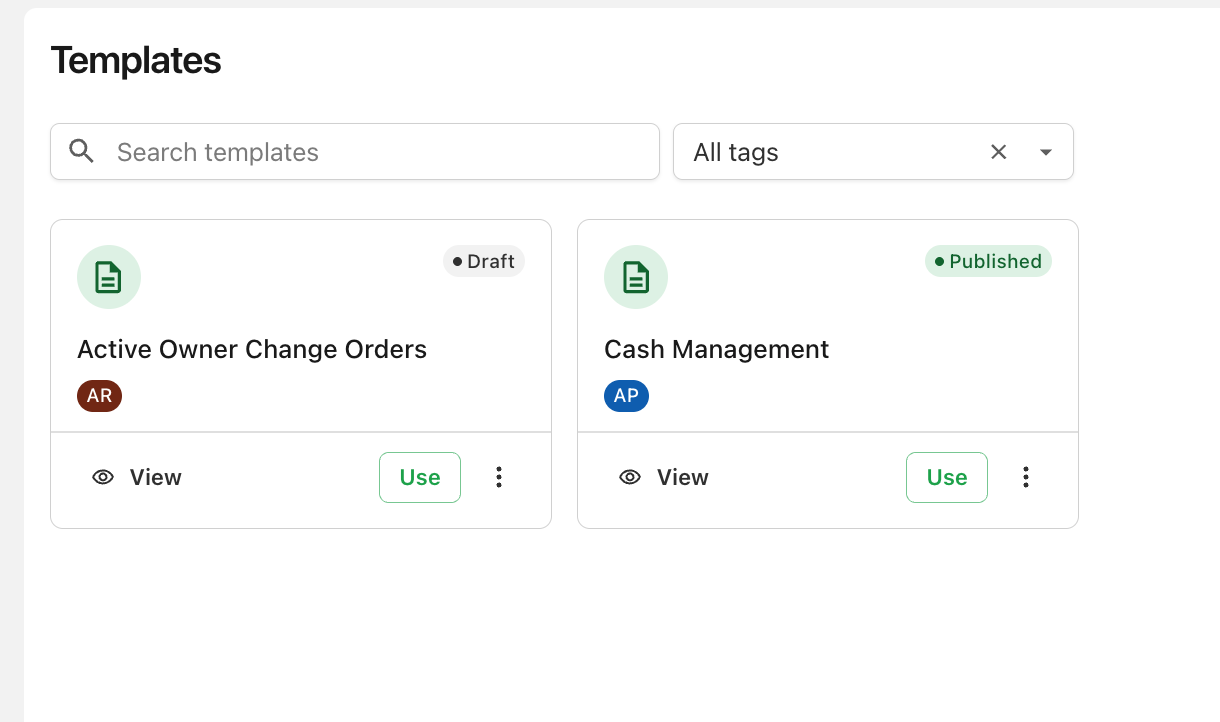
Select Templates in the sidebar to see everything available. You can:
- Search templates by name, description, or tag.
- Filter by tag using the All tags dropdown — tags group templates by category (for example, financial reporting or project health).
Previewing a template
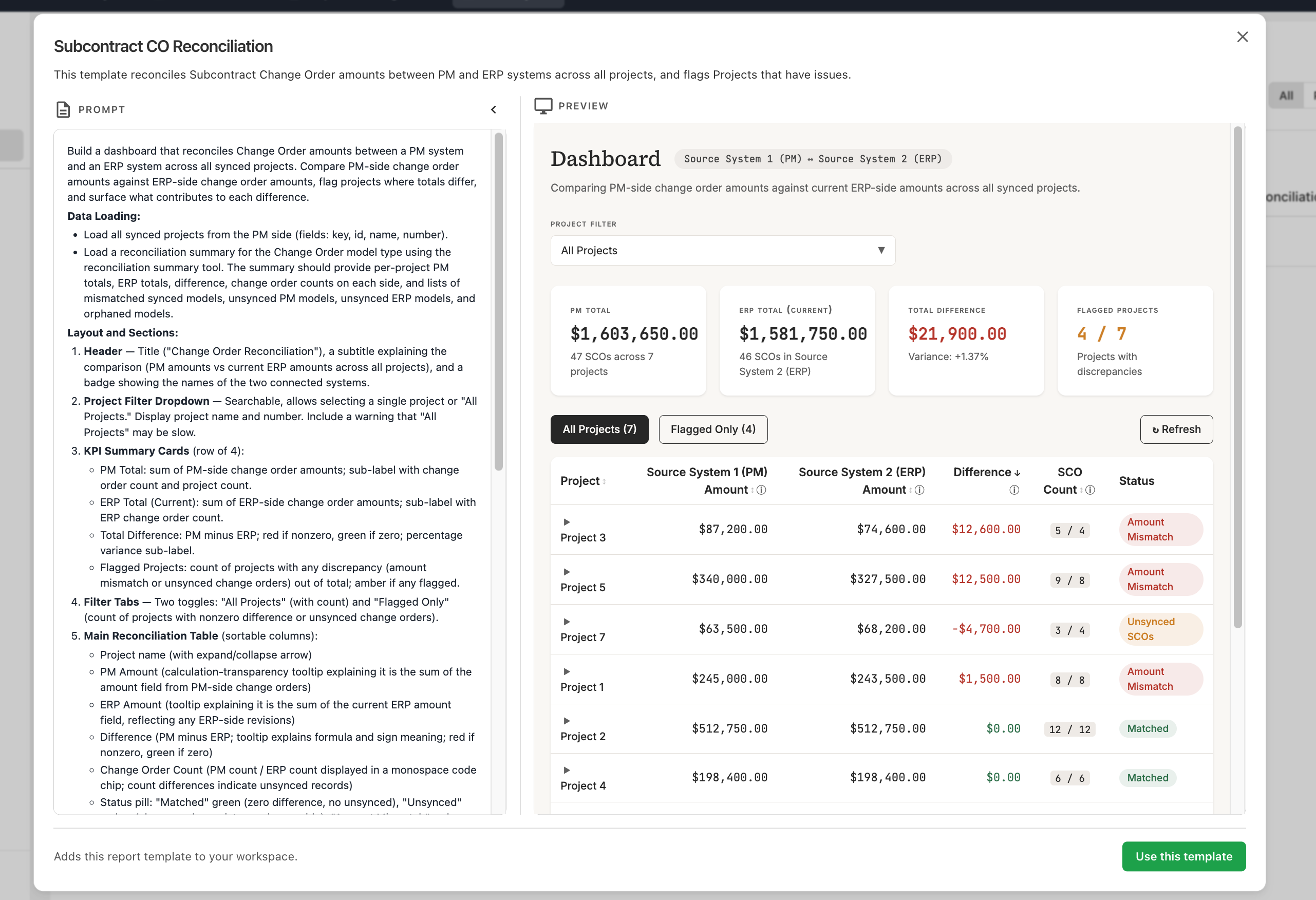
Select View on any template card to open its details:
- Prompt — the instructions Agnes will follow to build the report. Expand this panel to see exactly what the template asks for.
- Preview — a static preview of what the finished report looks like (with placeholder data).
Using a template
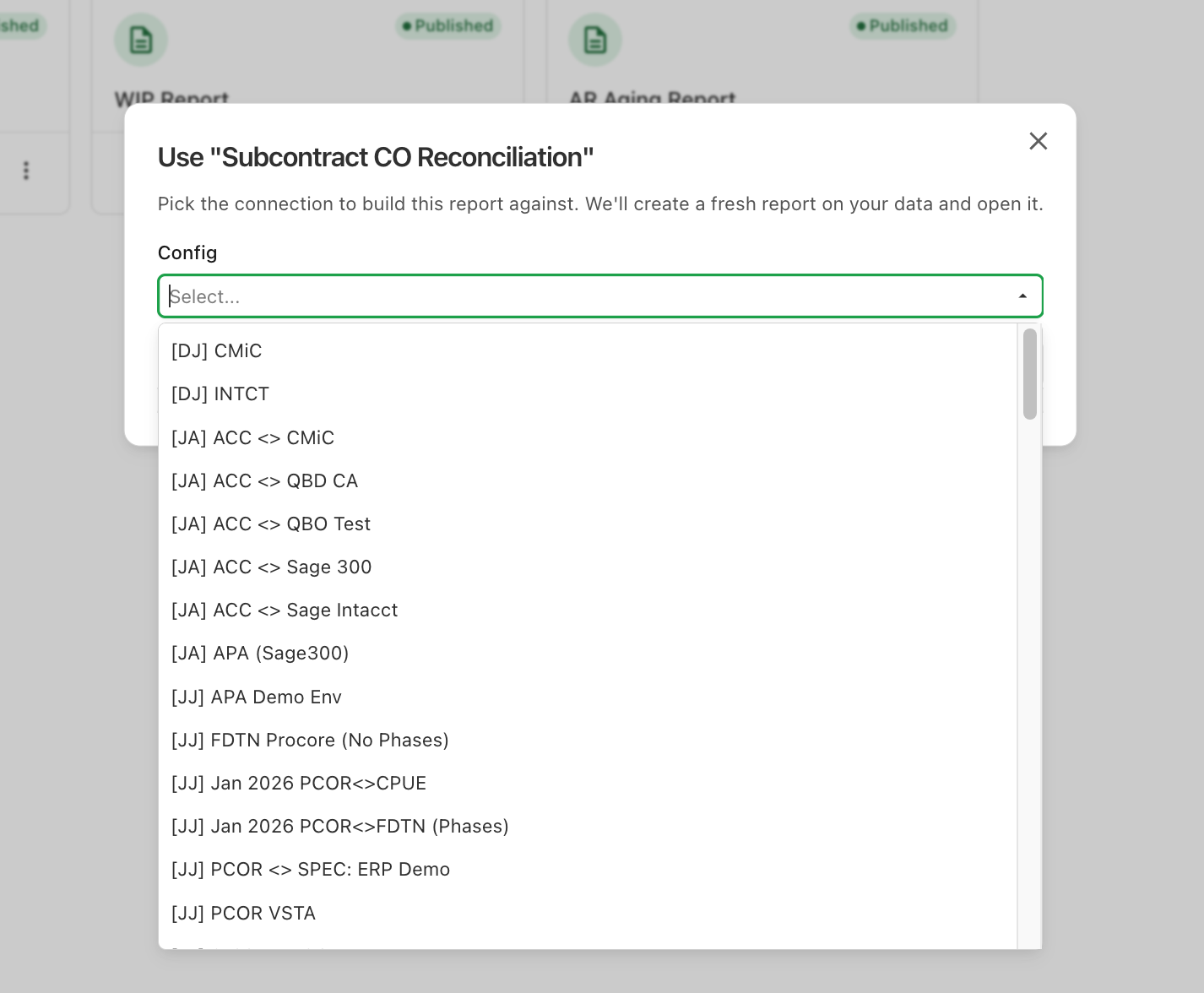
Select Use on a template card (or Use this template in the detail dialog), then:
- Pick the connection to build the report against — the dialog reads "Pick the connection to build this report against. We'll create a fresh report on your data and open it."
- Select Build report.
Agnes creates a brand-new report — owned by you — and generates it against your data. From there it behaves like any other report: you can edit it with prompts, version it, share it, and organize it.
A report built from a template is fully yours. Re-prompt it to adjust columns, filters, groupings, or styling — changes never affect the template or anyone else's reports.
Starter reports
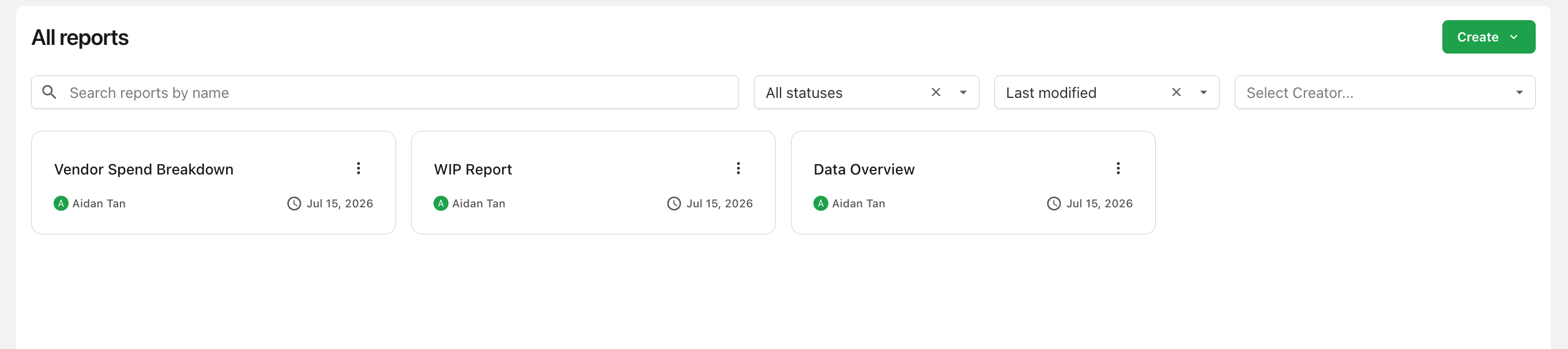
When your team's first AI Data configuration is set up, Agave automatically adds a set of ready-made starter reports to your workspace, so you have working examples on day one. They appear on the All reports page like any other report, owned by the Agave account manager who set up your configuration. Open one to see how it's built, or duplicate it as a base for your own version.