Risk flags from project emails
· One min read
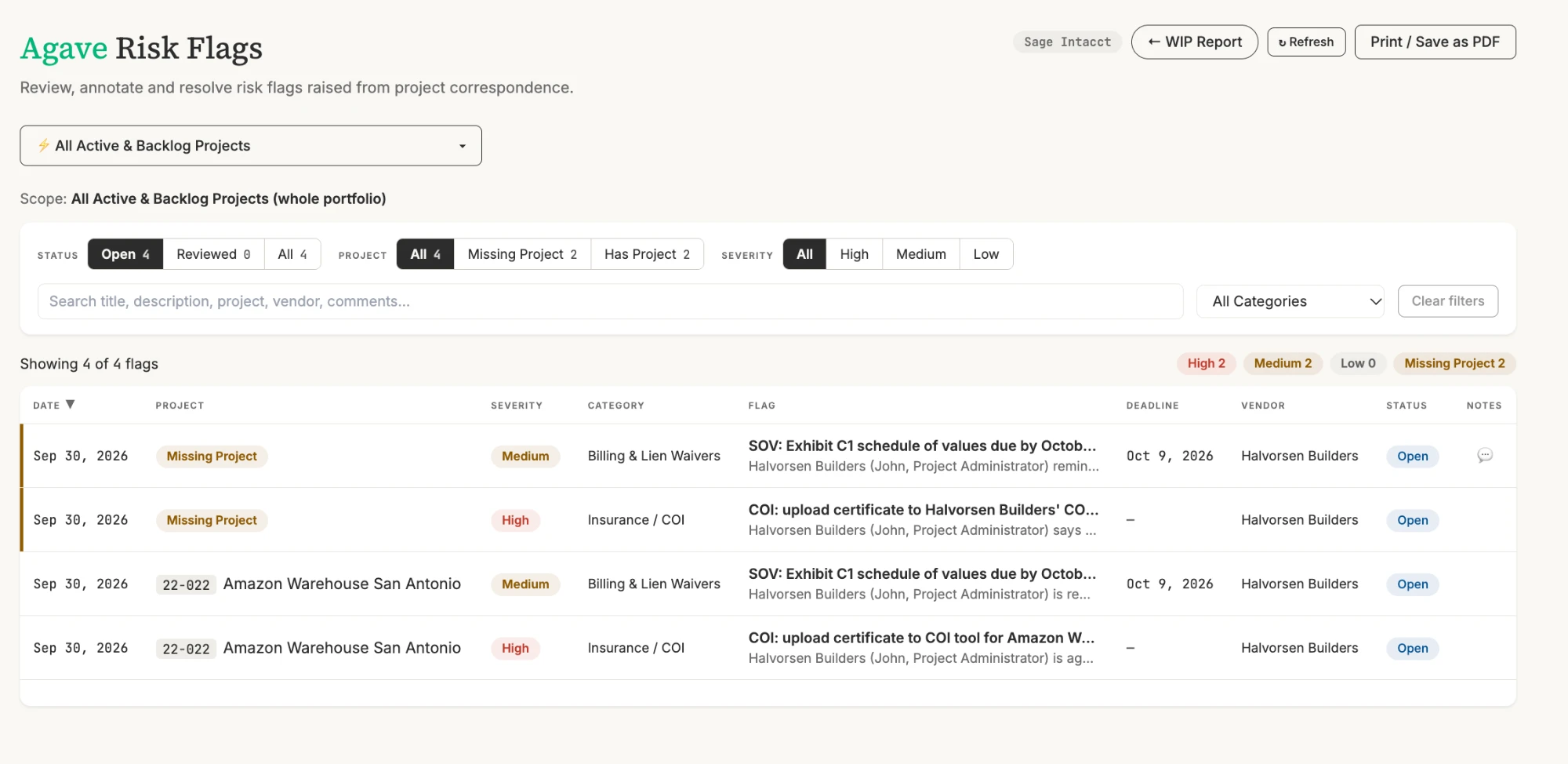
Agave AI can now review your project correspondence and bring the important details into your reports, such as missing compliance documents, potential change orders and schedule changes.
Set up a rule in Microsoft 365 that sends a copy of external emails from the inboxes you choose to your Agave agents address. Your team still receives every email as before, and internal emails are never copied. Work with your assigned onboarding contact at Agave to enable this functionality. From there, you can ask Agave AI for a dedicated risk flags page or to show open flags in your WIP report.